
Consistent AI Characters: Keep the Same Face with Nano Banana 2 + Seedance
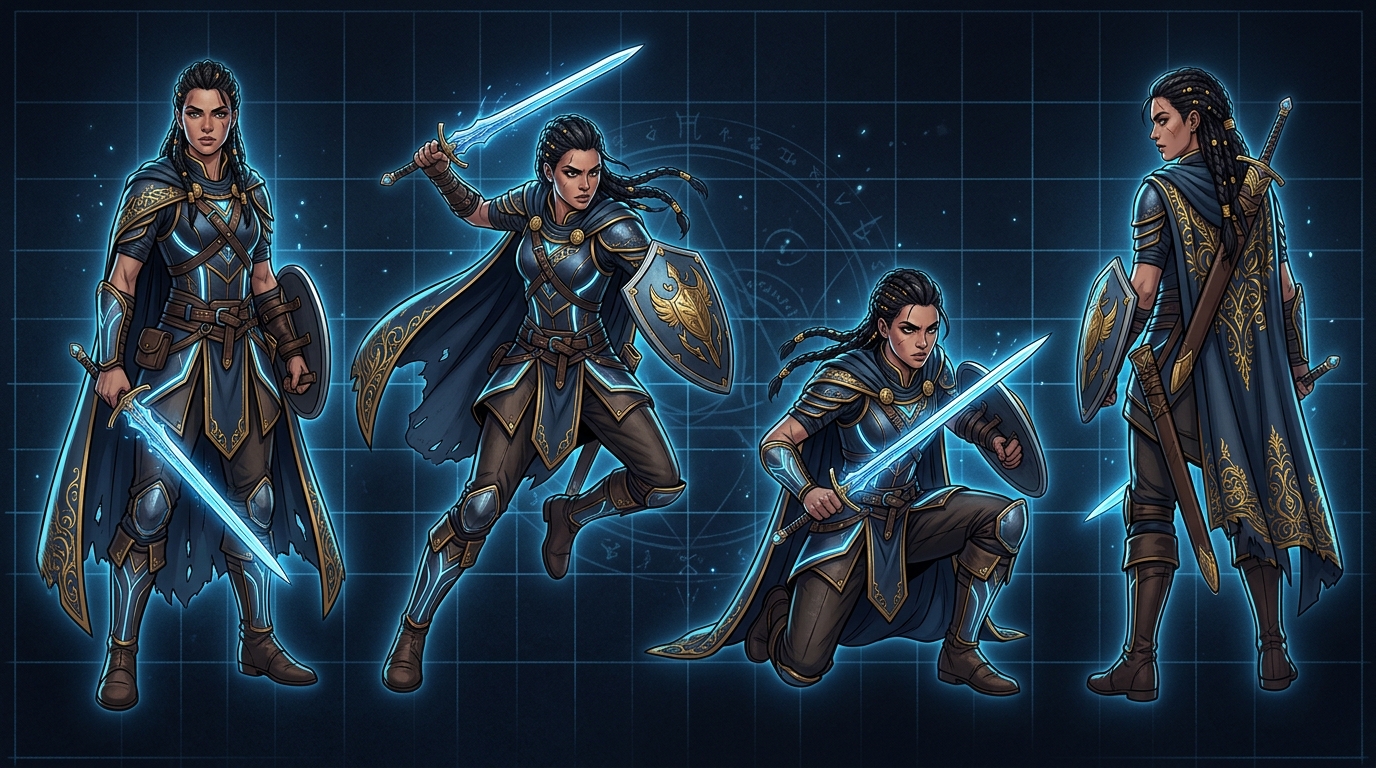
The single most frustrating thing about making a continuing story with AI is when your protagonist suddenly “gets a new face” in episode three. This guide walks you through the easiest reliable combo in 2026 — Nano Banana 2 to lock the character, Seedance to animate her — so the same character shows up from episode one all the way to episode ten. Copy-paste prompt templates included.
What You’ll Need
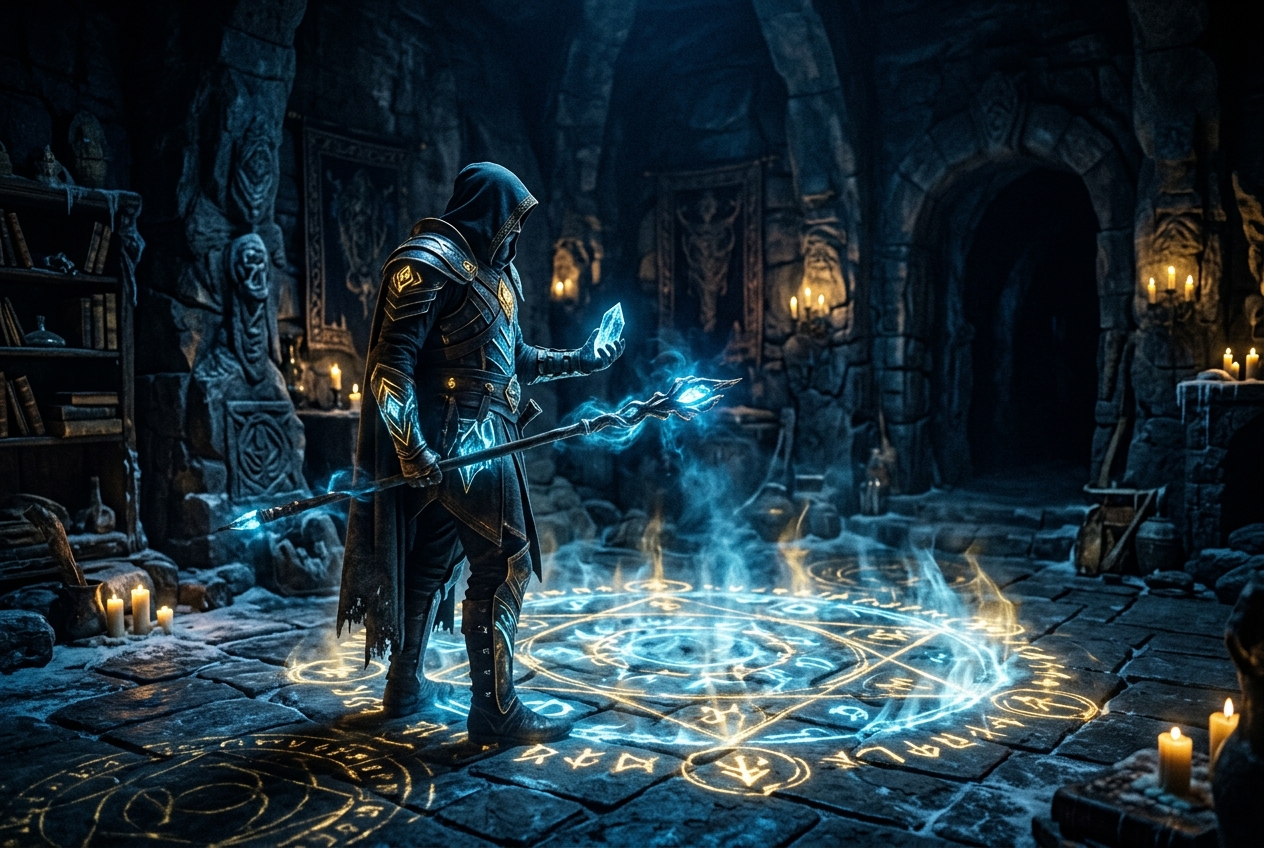
- Nano Banana 2 (via the Gemini app — used to generate the character and maintain consistency)
- Seedance 2.0 (composites a character image and a background scene into video)
- A clear “character bible” text block (the more specific, the more stable — template below)
Step 1: Write a “Character Bible” (Once, Reuse Forever)
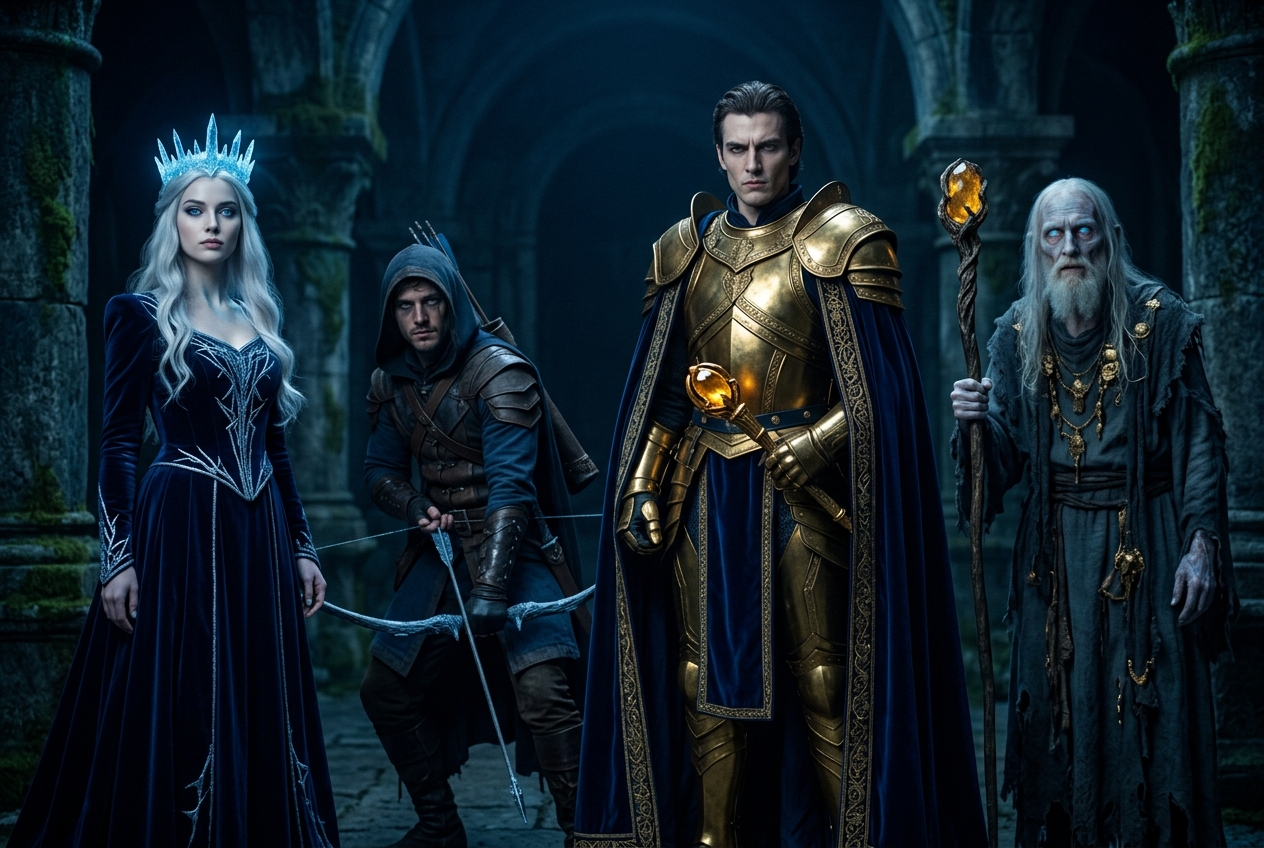
The root cause of inconsistency isn’t the tool — it’s whether you’ve actually defined the character clearly. Save this block and paste the exact same text every time you generate.
Gender / apparent age: Female / around 20
Face: oval face, monolid eyes, ice-blue irises, light freckles, pale rose lips
Hair: long straight silver-white hair, a small braid on the right side
Build: slender, around 160cm
Outfit: midnight-blue mage robe with gold trim, a glowing ice-crystal brooch on the shoulder
Vibe: calm, aloof, sharp gaze
Art style: semi-realistic Japanese fantasy, cinematic lighting, ice-blue and gold color palette
Step 2: Generate a “Character Reference Sheet” with Nano Banana 2
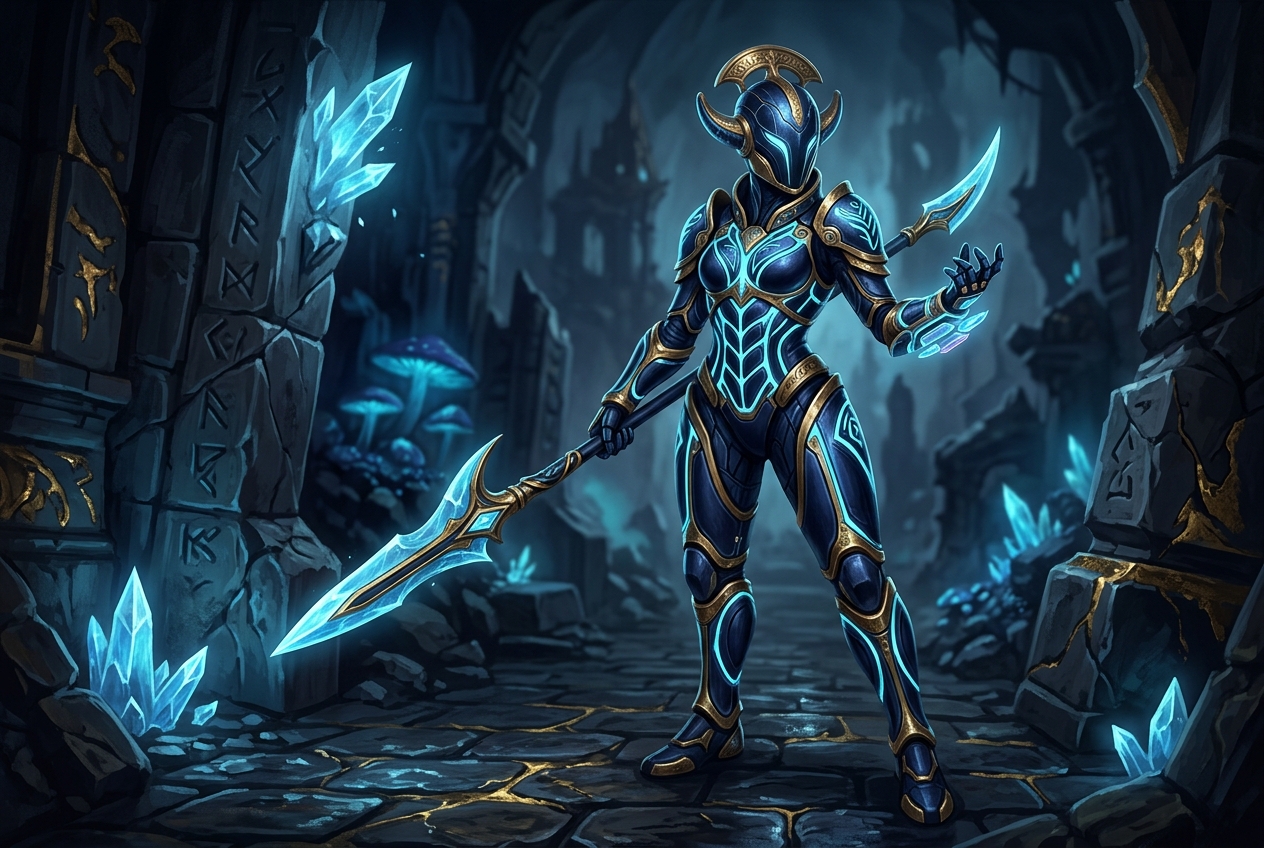
Feed the character bible above into Nano Banana 2 and generate a “front-facing, neutral expression, clean background” baseline image first. This becomes the master reference for every variation that follows.
neutral expression, clean light-gray background, soft cinematic lighting, ice-blue and gold tones:
[paste the Step 1 character bible here]
Step 3: Use the Reference Image to Extend Poses / Outfits / Scenes
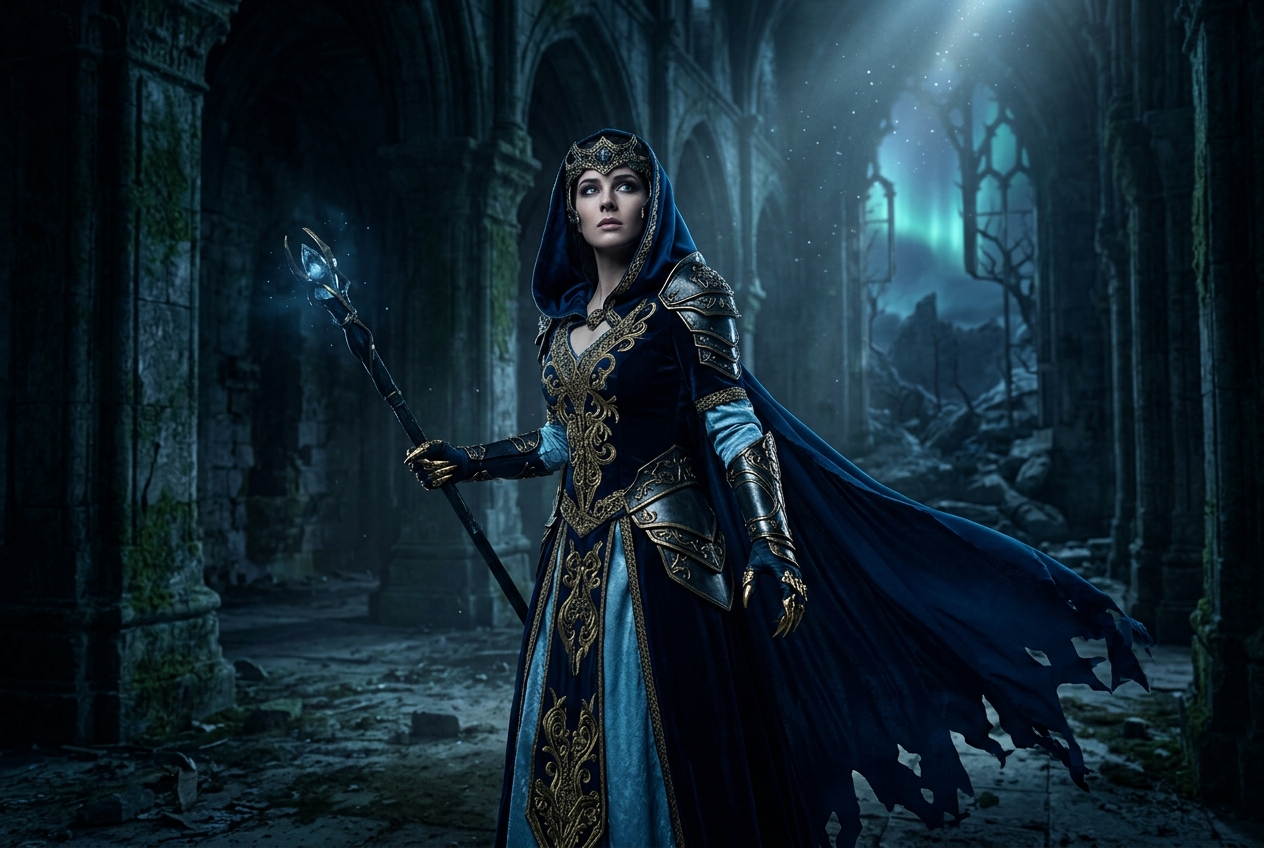
This is where Nano Banana 2 shines — feed it the master image as a reference and just describe the change; the face won’t drift. It can hold consistency across up to 5 characters and 10 objects at once.
change the scene to: standing before a frozen shrine, looking back over her shoulder, robe stirring in a light breeze, backlit by dusk.
Keep every other feature unchanged.
Repeat this step for as many shots as you need — only change the “pose + scene + lighting” each time. Never touch the character description.
Step 4: Bring Her to Life with Seedance 2.0
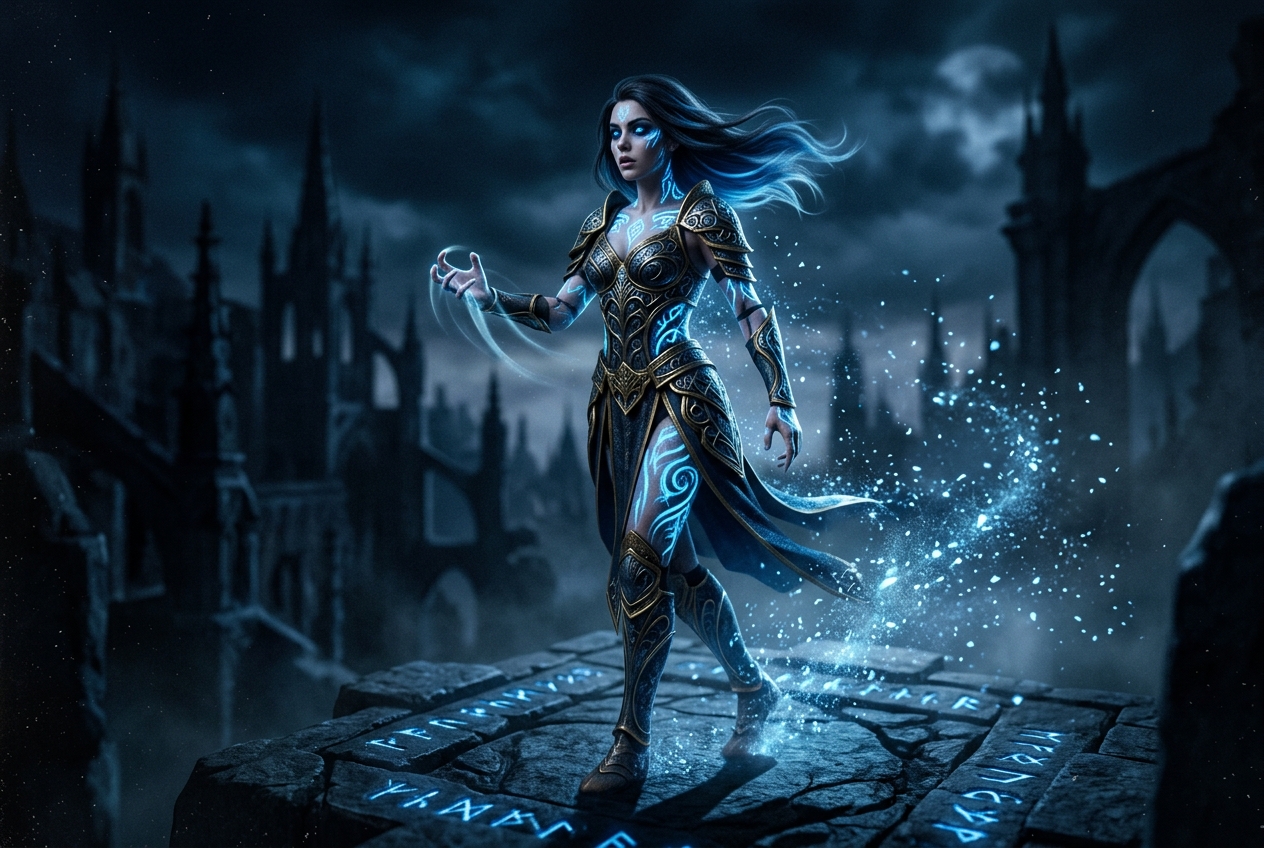
Feed Seedance 2.0 the Step 3 character image (foreground) plus a background scene image, and let it composite them into a moving video. The simpler the camera instruction, the more stable the result.
Action: character slowly turns her head toward the camera, robe and hair drifting in the wind
Camera: extremely slow push-in, 4 seconds
Common Failure Points and Fixes

Problem 1: The face changes after switching scenes
Nine times out of ten, you accidentally rewrote the character description along with the scene. Fix: when changing scenes, only describe the action and environment — always reference the master image plus “keep the face exactly the same.”
Problem 2: Facial features melt once the video starts moving
This happens when the camera move is too aggressive or the clip is too long. Fix: keep clips to 3–5 seconds, use slow camera moves (push-in / pan), and avoid large turns.
Problem 3: Multiple characters in one frame “swap faces”
This usually means you’re generating too many characters at once. Fix: confirm consistency two characters at a time before combining them, and explicitly label positions in the prompt — “Shuang-yu on the left, ___ on the right.”
Advanced Variations
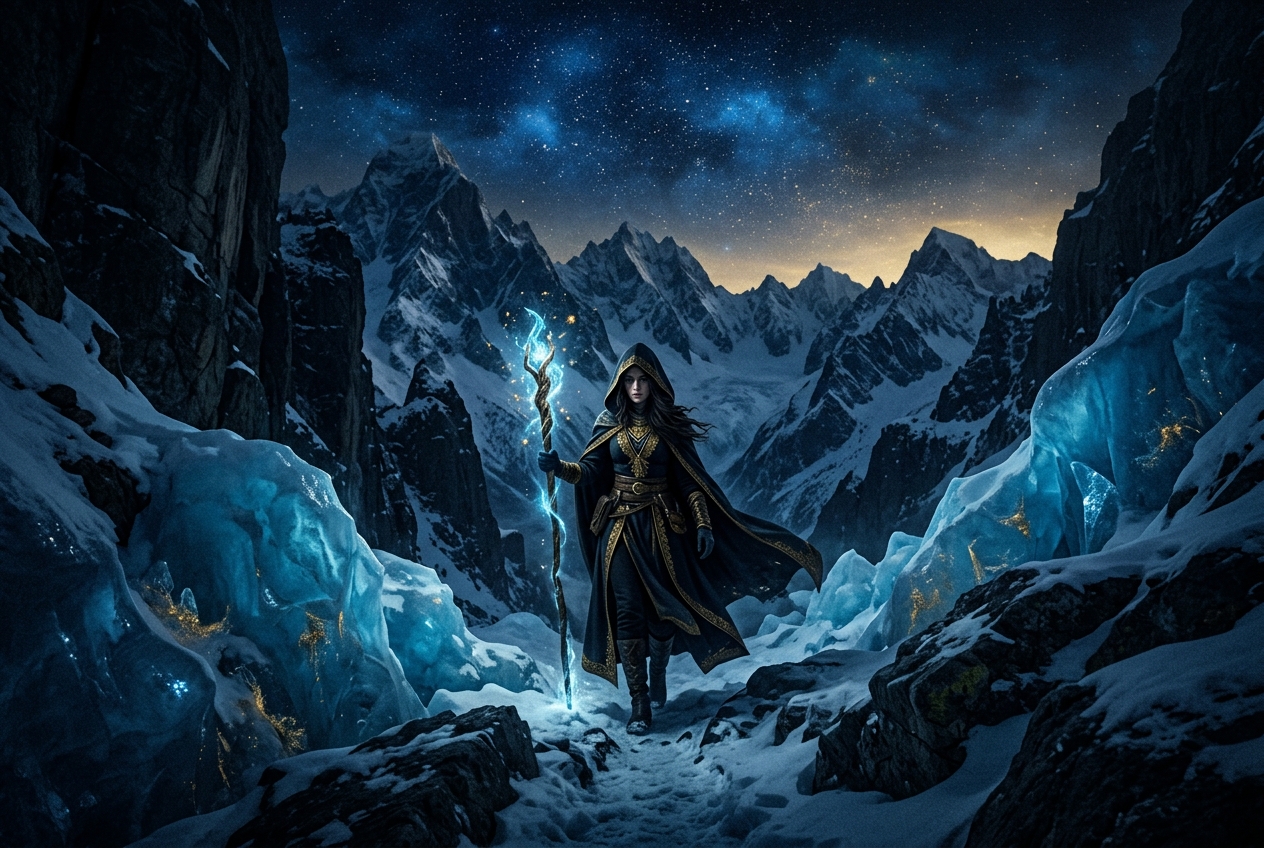
- Expression sheet: generate happy, angry, sad, and surprised versions from the master image in one batch — makes lip-sync and emotion editing much easier later.
- Outfit sets: create “casual / battle / formal” versions of the same character so costume changes never break consistency mid-story.
- Supporting cast library: save a master reference for every side character to build your own reusable “isekai character database.”
Frequently Asked Questions
Q1: Do I have to use Nano Banana 2?
No, but it’s currently the easiest option for “character consistency plus editability.” You can achieve the same result with Midjourney’s character reference feature — the principle is the same: lock a master image, then extend from it.
Q2: Do I have to use Seedance?
You can swap in Kling or Veo. Seedance’s edge is compositing a character and background together particularly well. For fast turnaround or Chinese-language content, Kling works great too.
Q3: How detailed does the character bible need to be?
The more detail, the more stable the result — but at minimum, nail down these 5: face, hair, eyes, a signature accessory, and the dominant color palette. Get those right and you’ll already have about 80% of full consistency.
📺 Want to see this done live on camera? Cold Cold turned these techniques into short videos — subscribe so you don’t miss new episodes.