
AI Succubus Prompt: One Block of Text, One Great Character
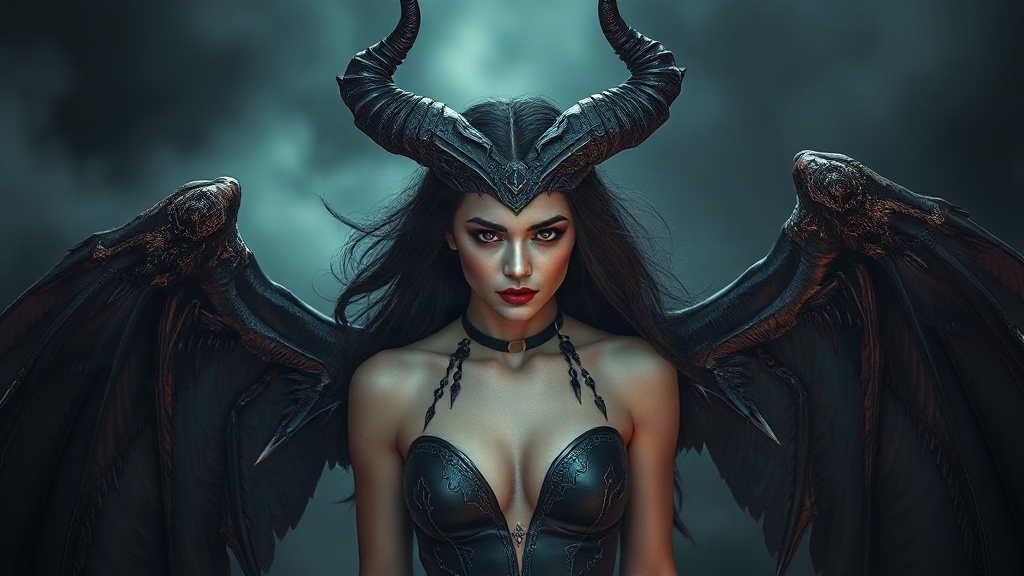
This guide shows you how to generate a polished, high-quality “succubus” character with a single prompt — copy-paste ready, with a line-by-line breakdown and several style variations.
🎯 Main Prompt (Copy & Paste)
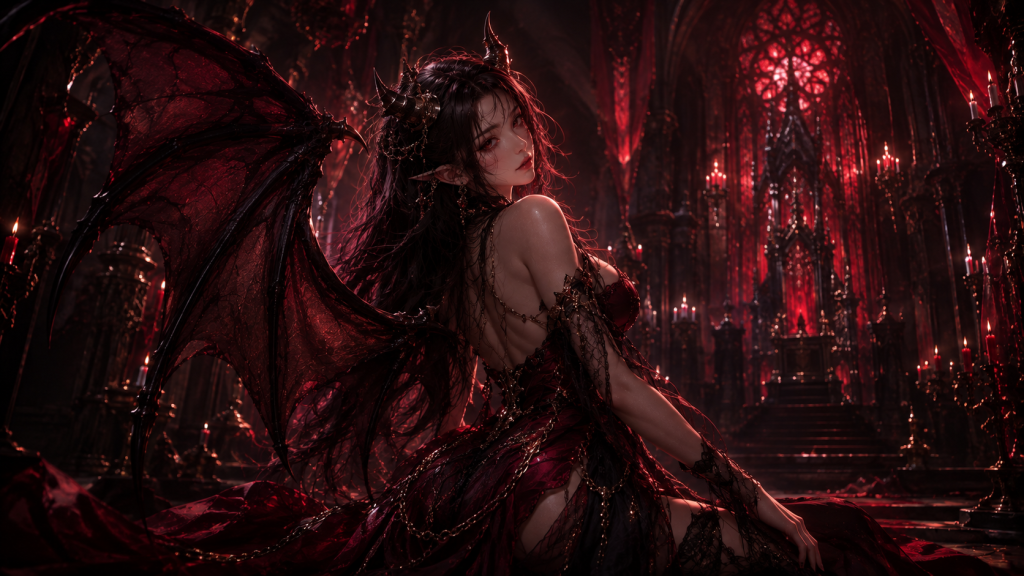
Features: seductive expression, small demon horns, dark wings, deep red ornate gown.
Scene: dim palace interior, low red lighting.
Lighting: moody red light, cinematic.
Composition: half-body to three-quarter shot, 85mm lens, shallow depth of field.
Style: dark fantasy, ultra-detailed, high quality.
🔍 Prompt Breakdown: Why It’s Written This Way
| Element | What this prompt uses | Why |
|---|---|---|
| Subject | Succubus | Naming the identity clearly first helps the model lock onto the right direction |
| Appearance | Seductive expression, small demon horns, dark wings, deep red gown | Face, hair and outfit details decide how recognizable the character is |
| Scene | Dim palace, red lighting | The background carries the worldbuilding and mood |
| Lighting | Low, moody red light | Lighting sets the texture and emotional tone |
| Camera | Half-body, 85mm, shallow depth of field | Softens the background and pushes focus onto the character |
📜 Character Origin & Story
The “succubus” is one of the most familiar yet story-rich character archetypes in Cold’s Isekai — that air of mystery is exactly what makes her instantly memorable. Common as the archetype is, the details are where a truly unique version comes to life.
In a world that looks ancient but is quietly powered by technology far beyond its time, the succubus lives out her own version of “ordinary” — and that’s what gives this world its sense of warmth and realism.
Rather than leaning on an over-the-top setup, she earns the audience’s attention through small, believable details — the kind of charm that builds slowly but lasts.
Her mysterious presence isn’t just a visual choice; it’s a direct extension of her personality, the kind you can read at a glance.
If you were to write her a short story, the classic beat would be this: an ordinary-seeming day that quietly reveals a side of her nobody expected — and suddenly, the audience sees her differently.
Some say a character like this sticks with people because there’s always a small reflection of yourself somewhere in her — a kind of resonance that’s hard to replace.
Her appeal is a reminder that a great character doesn’t need to be larger than life. Being memorable and relatable is already enough.
In an age of fast, disposable content, a grounded character like this tends to leave a longer-lasting impression.
Consider giving her an unexpected side-story arc in your own world — contrast makes a character feel three-dimensional, and more memorable.
She also works well as a recurring cast member alongside your protagonist — building audience investment slowly through everyday interactions is a solid long-term strategy.
👹 Common Succubus Archetypes in ACG Culture
The succubus is a timeless archetype in fantasy and dark fantasy media, interpreted very differently across games, anime, and light novels. Deciding on a direction before you generate will make the result far more distinctive:
| Style | Key features | Best scenes |
|---|---|---|
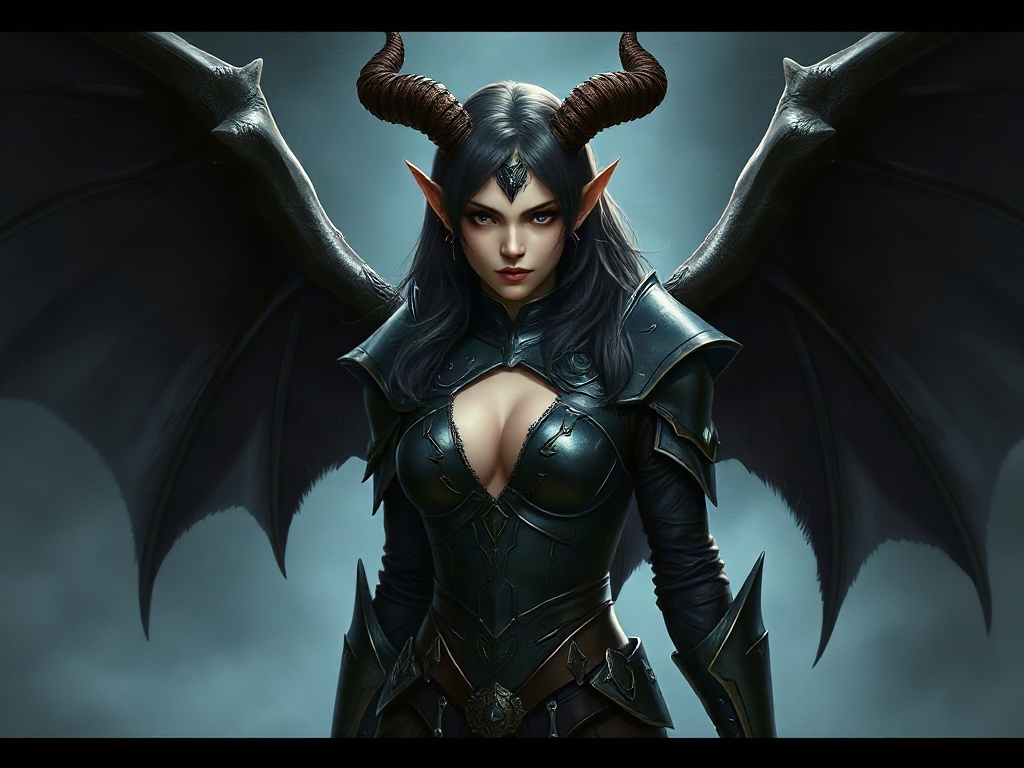
| Gothic dark | Dark wings, sharp horns, deep red or black ornate gown | Dim palace, dungeon |
| Fallen angel | Tattered white feathers, glow and shadow coexisting | Broken shrine, ruined cathedral |
| Modern urban | Suit or dress mixed with demonic traits, subtle horns and tail | Nightclub, city nightscape |
| Cute contrast | Small demon horns, playful expression, softened menace | Bright indoor setting, everyday scene |
All four directions can use this article’s main prompt structure directly — just swap out the “features” and “scene” lines. The subject and composition logic stay the same.
🎨 Variations (One Line Changes Everything)
① Succubus Close-Up
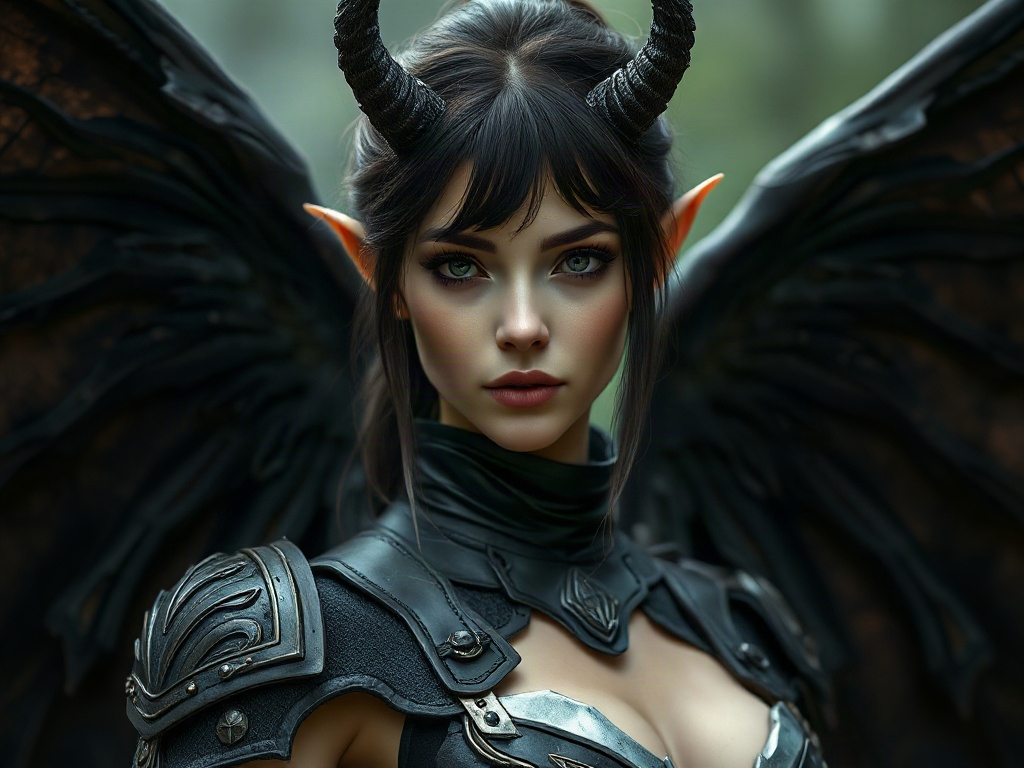
② Succubus Full-Body Dynamic Pose
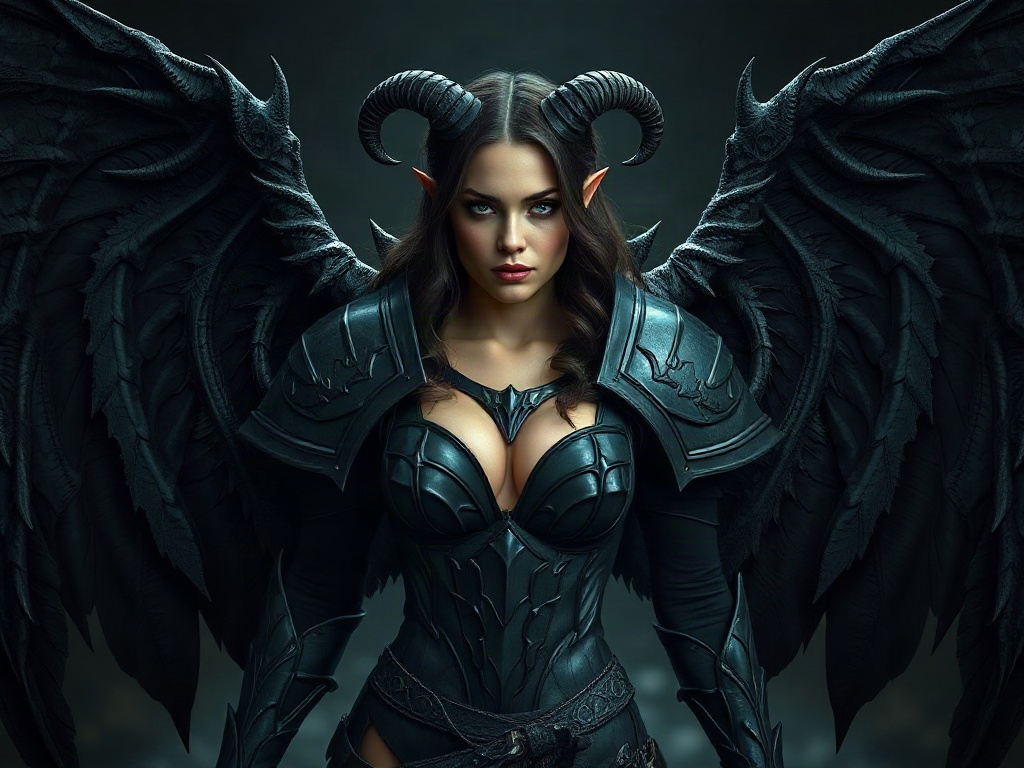
③ Succubus Dramatic Lighting
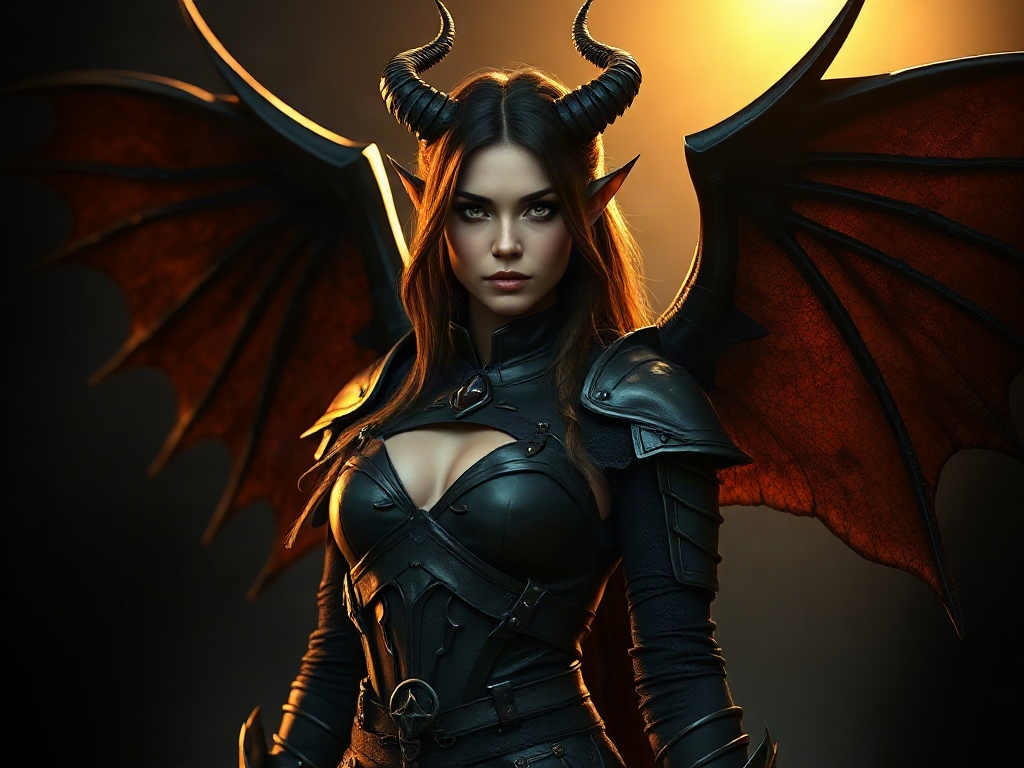
④ Modern Urban Succubus
💡 Tips for Generating This Type of Character
- If the face keeps changing, lock the “features” line and only change the scene and pose.
- To keep the same character across multiple images: generate one version you like first, then use it as a reference image and extend it with Nano Banana 2.
- You can switch art styles (realistic / anime / fantasy), but keep the succubus’s key features intact or the character will lose its identity.
🤖 ChatGPT / DALL·E Version
You can also generate this with ChatGPT’s built-in image tool — no need to switch platforms. Just paste this into the chat:
🎬 12-Second Short-Video Script (Cold’s Isekai Universe)
Want to turn this character into a short video? Here’s a ready-to-use 12-second storyboard script in Cold’s Isekai’s signature deadpan-comedy style:
The camera cuts to the end of a forest path. A “succubus” slowly appears — her mysterious presence quiets the air around her. Cold Cold, unbothered, gives her a casual wave hello.
[DIALOGUE & ACTION]
Succubus: “Mortal, do you even know who I am?”
Cold Cold: “I guess… that’s life.” (shrugs, stares blankly into the distance)
[CLOSING NOTES]
No subtitles | End on Cold Cold’s signature cat-meow sound effect, quick fade out | Built for a fast 12-second cut
🎬 AI-Generated Demo Video (cover image animated)
Frequently Asked Questions
Q1: Does this work with Midjourney / FLUX too?
Yes — paste it in as-is, or translate it if needed. Midjourney users can add –ar 2:3 –style raw at the end.
Q2: How do I keep the face consistent?
Lock the face and hairstyle description, only change the pose and scene, and generate a few variations to pick the best one.
Q3: How do I turn this into a short video?
Once you have an image you like, drop it into Kling or Seedance and add a simple camera movement instruction to bring it to life.
Q4: Is a “succubus AI prompt” the same thing as a “succubus AI instruction”?
Yes — “prompt,” “instruction,” and “description” all refer to the same thing here: the block of text you feed into an AI image generator. The terms are interchangeable.
Q5: My succubus generations keep getting blocked by safety filters. What do I do?
Keep the emphasis on “fantasy style and presence” rather than suggestive detail — the wording used in this article’s main prompt (“confident, natural pose”) passes most tools’ safety filters without issue. If a generation is blocked, try removing any more suggestive scene adjectives first and keep only the character features and art style.